Professional Headshots, Made with AI
Studio-quality headshots for your website, bio, résumé or speaker profile. Upload selfies, pick a look, download in minutes.
- Studio lighting and clean backgrounds
- Suits, blazers or smart casual
- 4K files ready for print
Looks by profession
Each starter look pairs an outfit and background that people in that field tend to use.
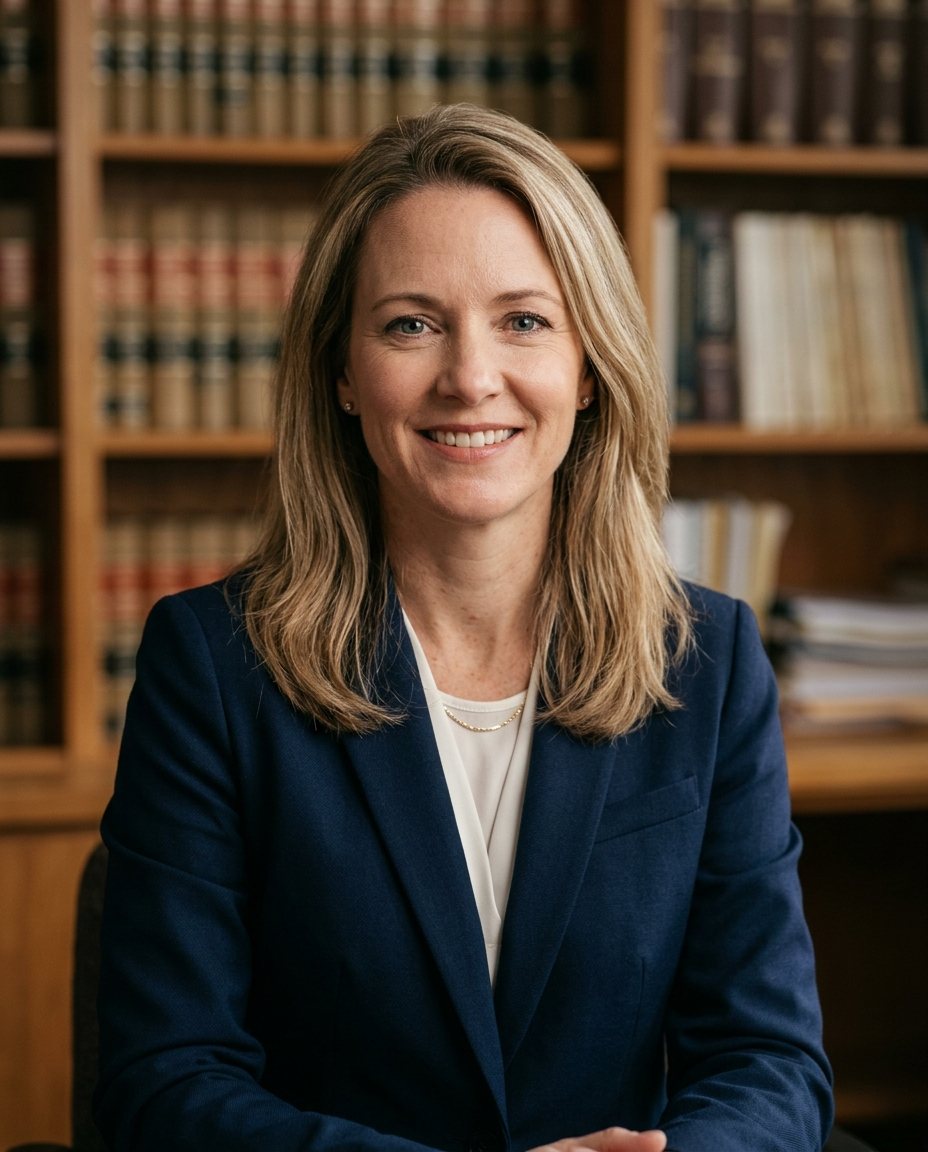 Lawyer
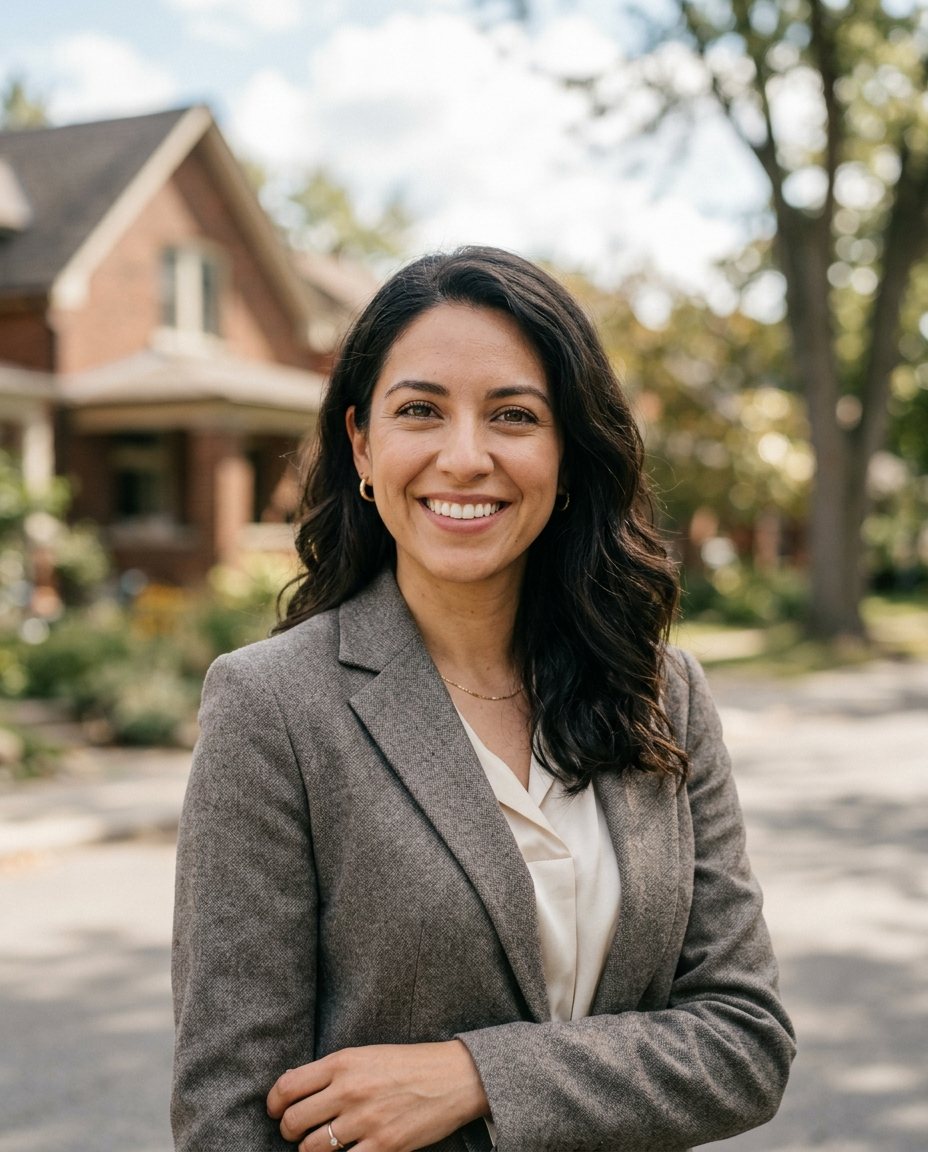 Real estate agent
 Physician
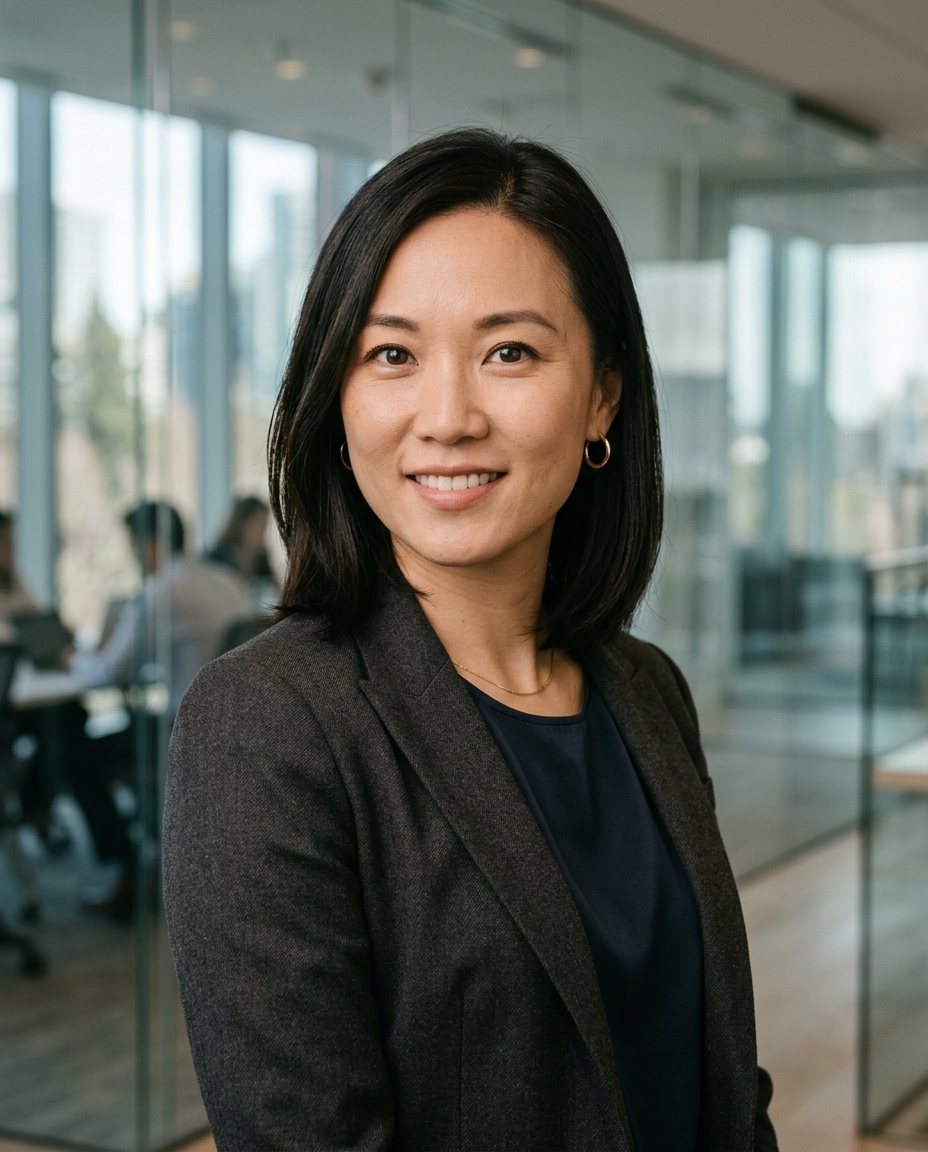 Consultant
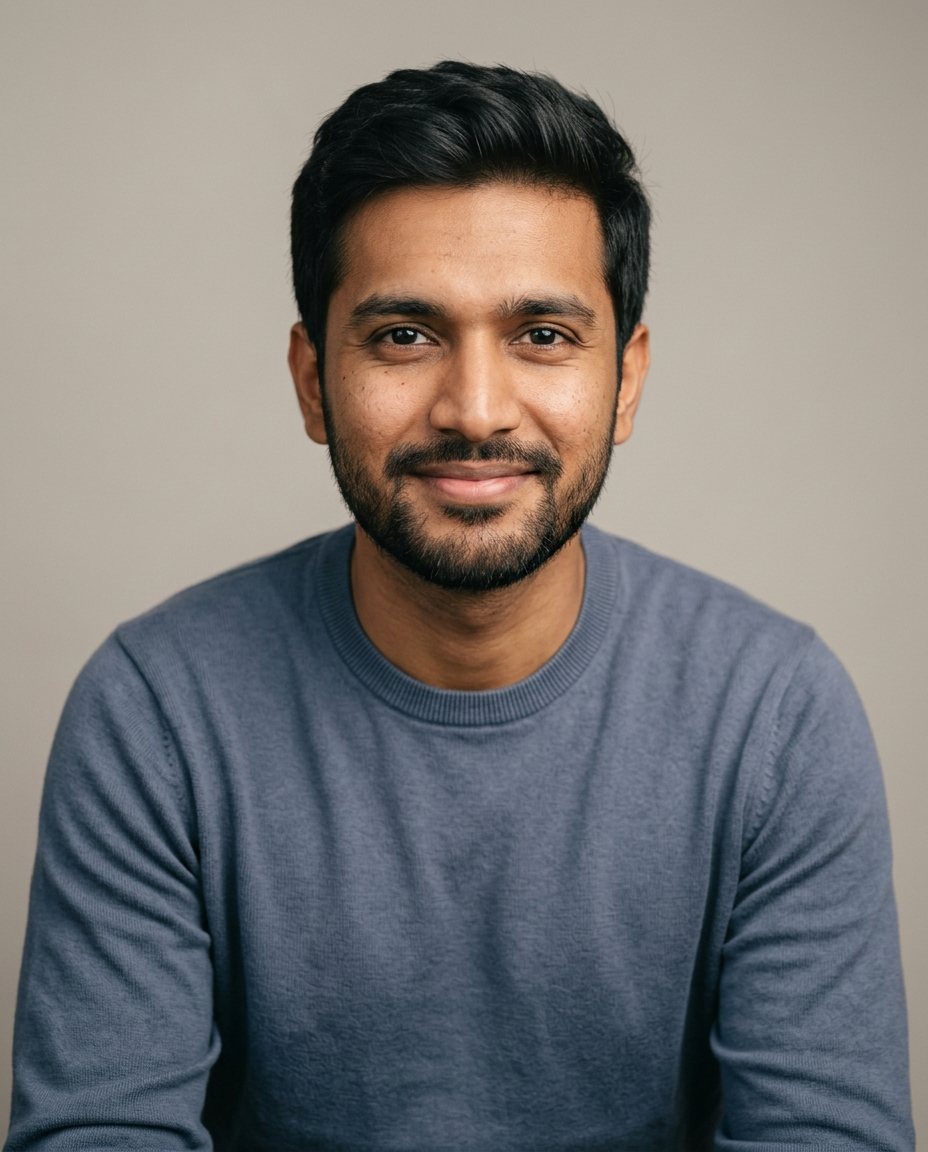 Software engineer
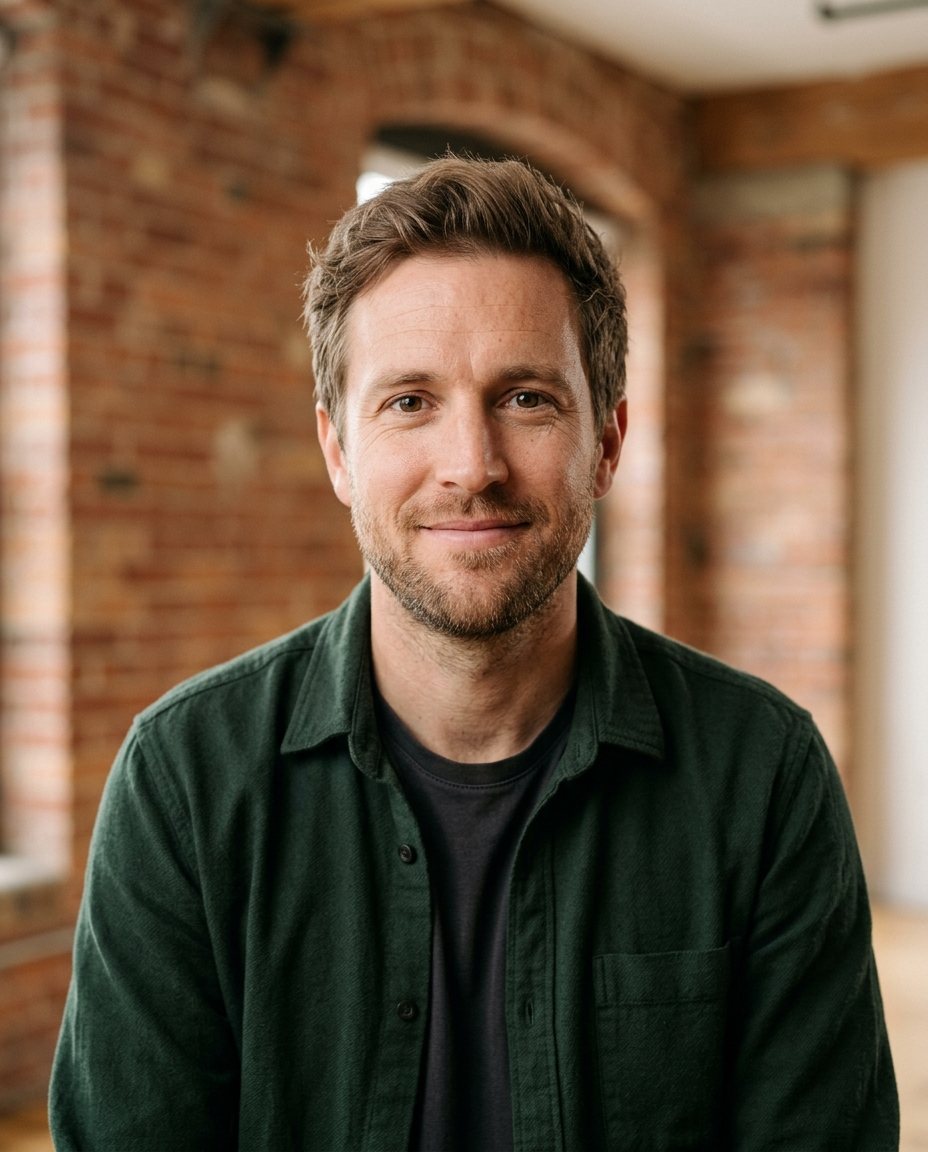 Founder
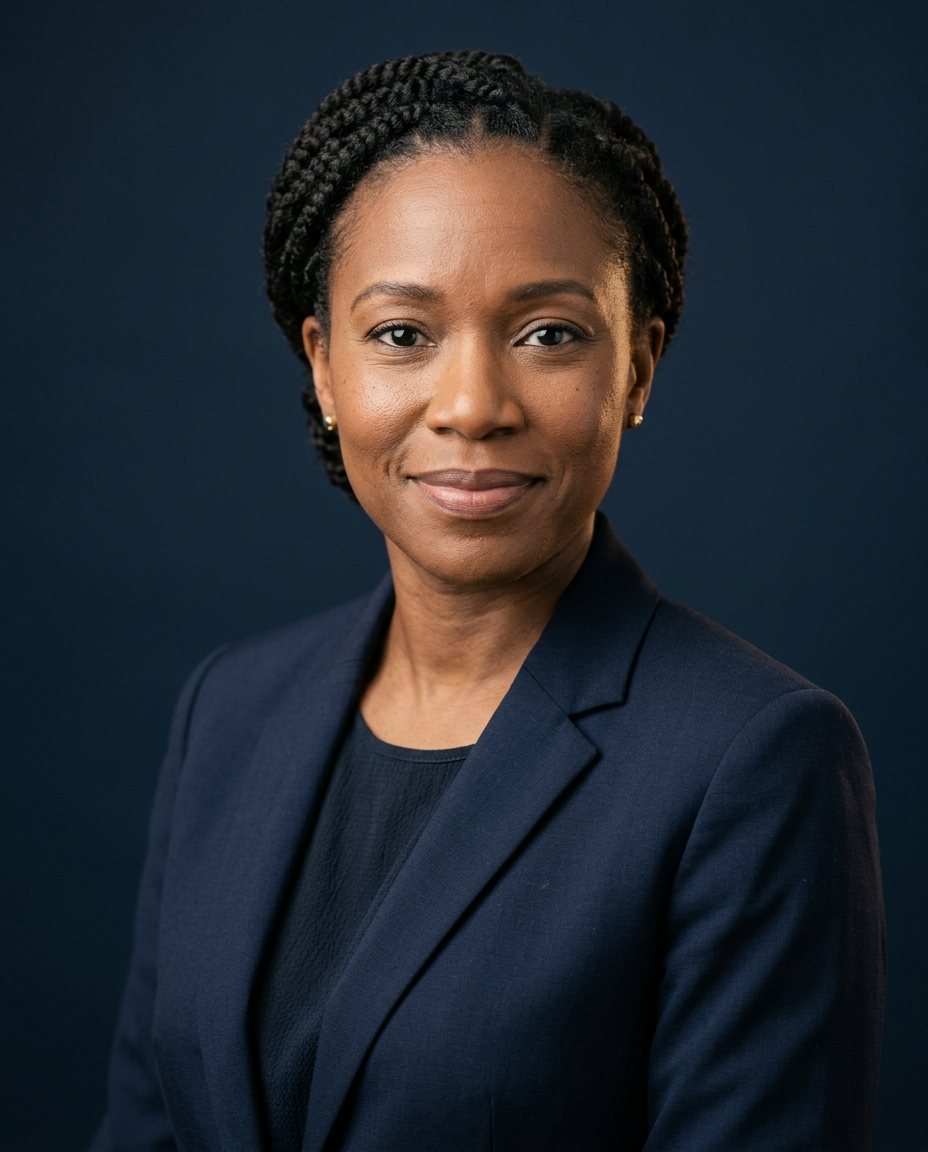 Financial advisor
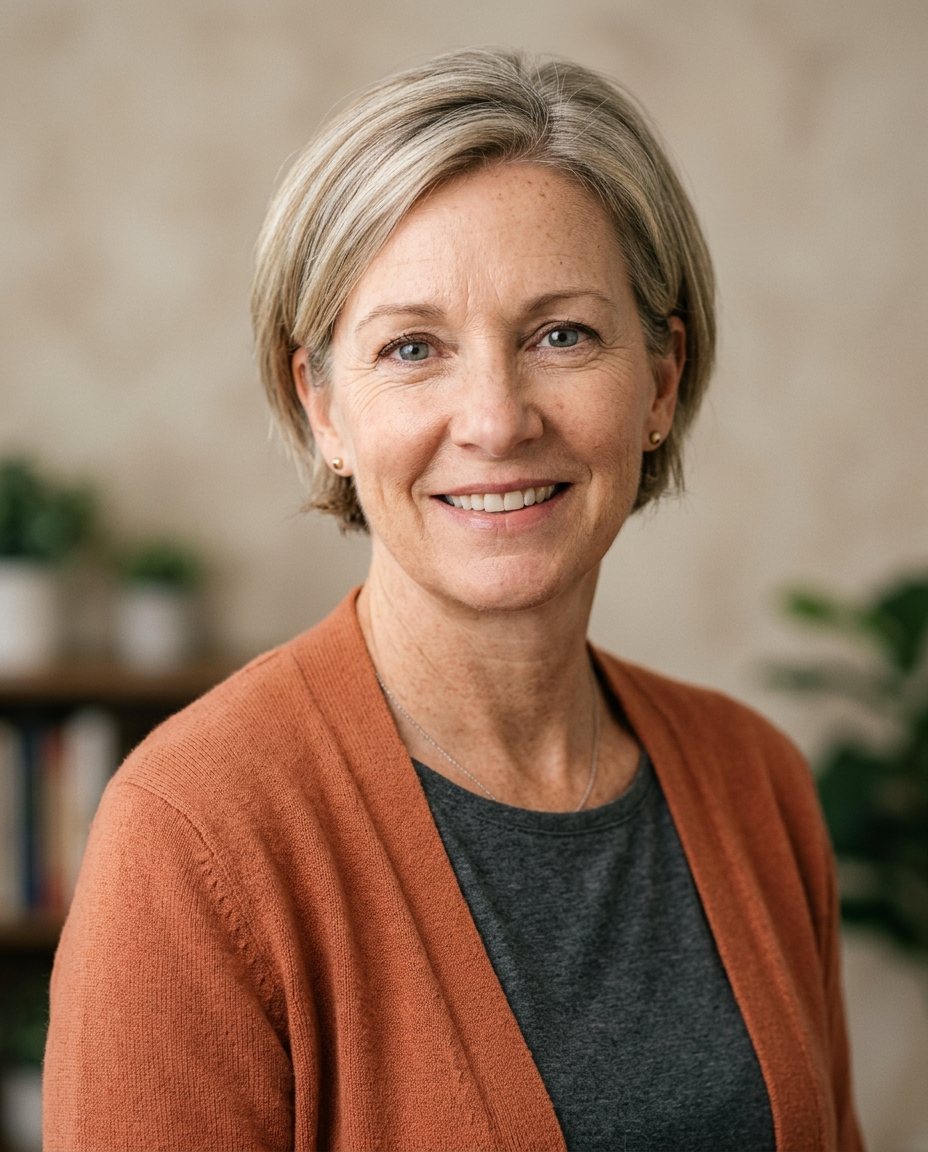 Teacher
What makes a headshot look professional
Soft, even light
No harsh shadows under the eyes or nose. Light should come from the front and slightly above.
A quiet background
Solid color or gentle blur keeps attention on your face. See background ideas.
Eye-level camera
Framed from mid-chest up, with your eyes about a third from the top of the photo.
Clothes that fit
Solid colors and clean necklines. What to wear.
Photographer or AI?
Professional headshot questions
Can an AI headshot be used as a professional headshot?
For most uses, yes: LinkedIn, company bios, résumés and conference pages. Some industries, like acting, still expect a photographer's headshot.
Which background looks most professional?
Light gray, white or a soft office blur work in almost every industry. Darker backdrops suit finance and executive profiles.
Are the files big enough to print?
Pro pack files are 4K, which is enough for business cards, brochures and event badges.
What should I wear in my selfies?
Anything. You choose the outfit for your headshots when you pick styles, so your selfies only need to show your face clearly.